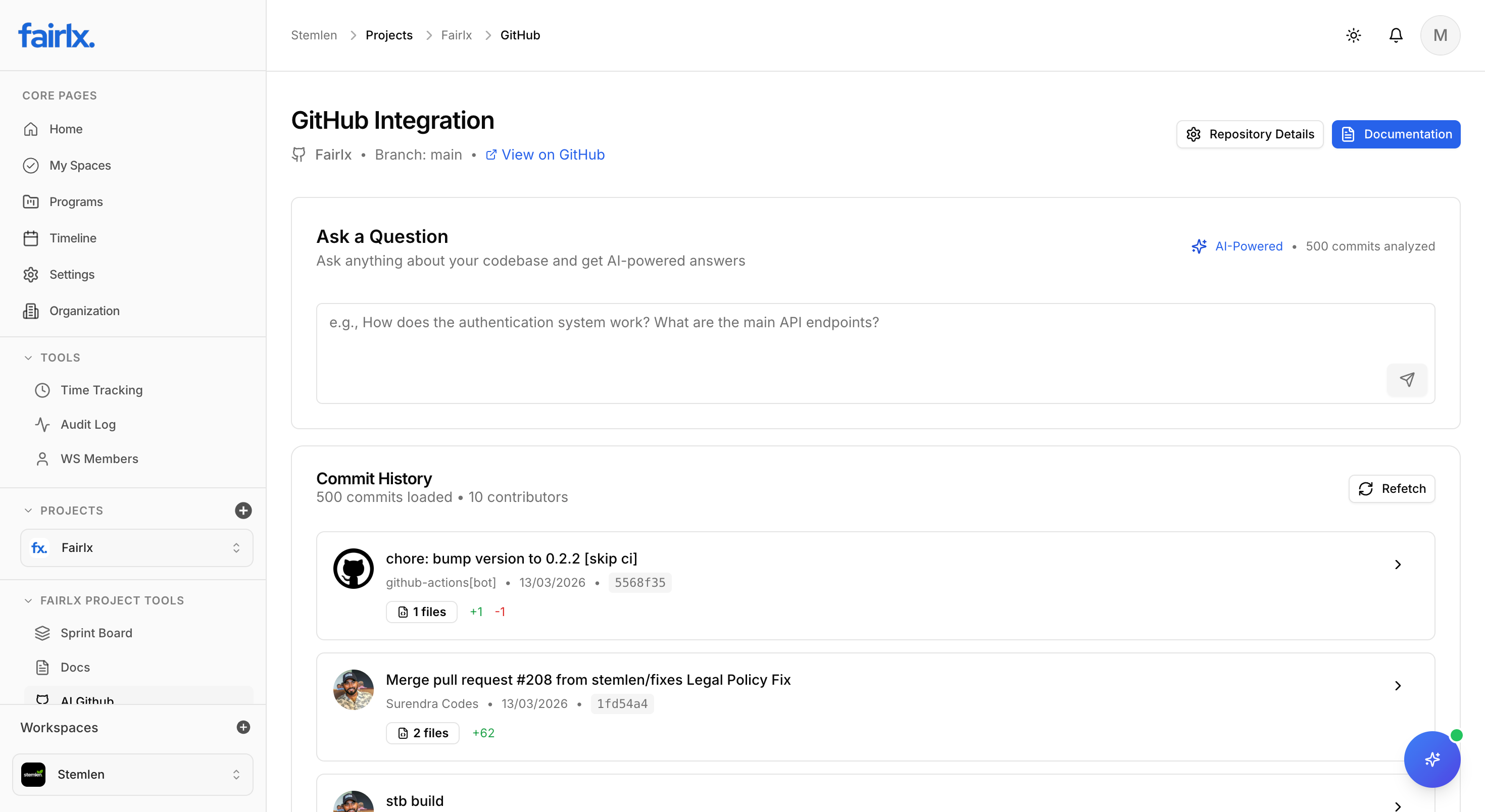
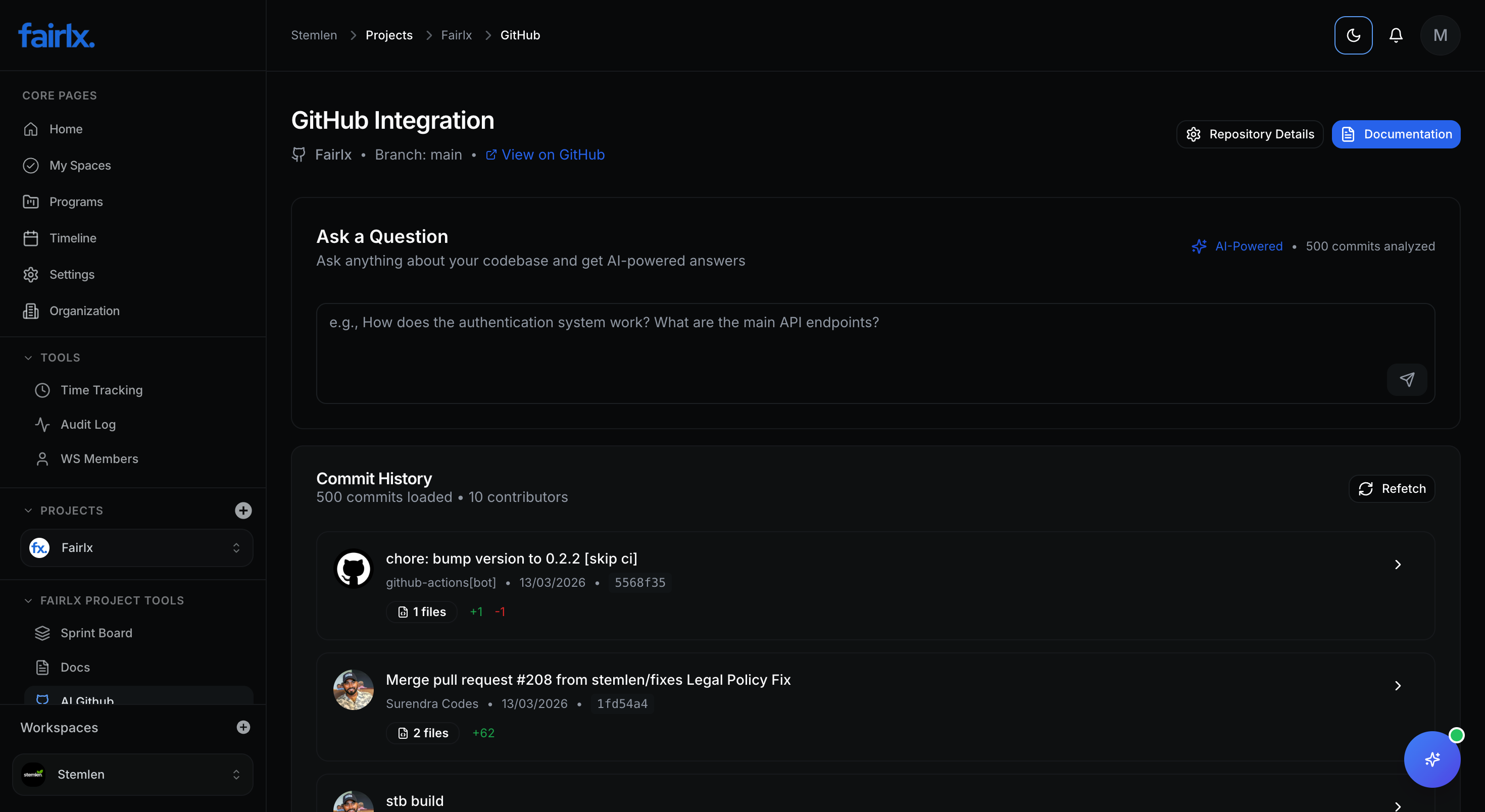
Connect your code repositories
Link GitHub repositories to projects and keep code activity in sync.
Link Any Repository
Connect public or private GitHub repositories to any Fairlx project with one click.
Branch-Specific Sync
Choose which branches to sync. Track main, develop, or feature branches separately.
Private Repo Access
Access private repositories using your personal GitHub token. Securely stored and encrypted.
Auto Sync
Commits sync automatically as they happen. Always have the latest code activity.
Multi-Repo Projects
Link multiple repositories to a single project for monorepo or microservices architectures.
Repository Overview
See repository stats, languages, contributors, and activity at a glance.
Every commit, automatically synced
Track code changes with full commit details, author attribution, and file changes.
Commit Messages
Full commit messages synced to Fairlx with links back to GitHub.
Author Attribution
Commit authors linked to Fairlx team members when possible.
File Changes
See which files were added, modified, or deleted in each commit.
Commit Timeline
View commit history in chronological order with timestamps.
Understand code instantly
AI analyzes your repository to generate docs, diagrams, and answer questions.
Auto-Generated Documentation
AI analyzes your codebase and generates comprehensive documentation automatically. No more outdated READMEs.
File Structure Analysis
Understand your project structure with AI-generated overviews explaining the purpose of each directory and file.
Mermaid Diagrams
Automatically generate Mermaid diagrams visualizing your code architecture and file relationships.
Natural Language Q&A
Ask questions about your codebase in plain English. Get context-aware answers powered by AI.
Example Questions
Ask anything about your codebase:
Beyond basic integration
Advanced capabilities that make GitHub integration truly powerful.
Multi-Question Batch
Submit multiple questions at once and get comprehensive documentation covering all aspects.
Repository Overview
AI generates a high-level overview of your entire repository — purpose, structure, and key features.
Smart Retry Logic
Built-in retry handling for rate limits ensures your documentation requests always complete.
Context-Aware Answers
Q&A understands your specific codebase context, not generic answers from training data.
Incremental Updates
Documentation updates as your code changes. Always stay in sync.
Export Options
Export generated documentation to Markdown, PDF, or integrate with your docs site.
Get started in minutes
Four simple steps to connect your code and project management.
Connect Your Account
Authorize Fairlx to access your GitHub account. We request minimal permissions needed.
Link Repositories
Select which repositories to link to your projects. Choose branches to track.
Sync Commits
Commits start syncing automatically. View activity right in your project.
Generate Docs
AI analyzes your code and generates documentation, diagrams, and answers questions.